Debugging with AI: Why Your Prompts Matter More Than You Think

The difference between spending 30 minutes debugging and 3 hours often comes down to a single factor: how you ask for help.
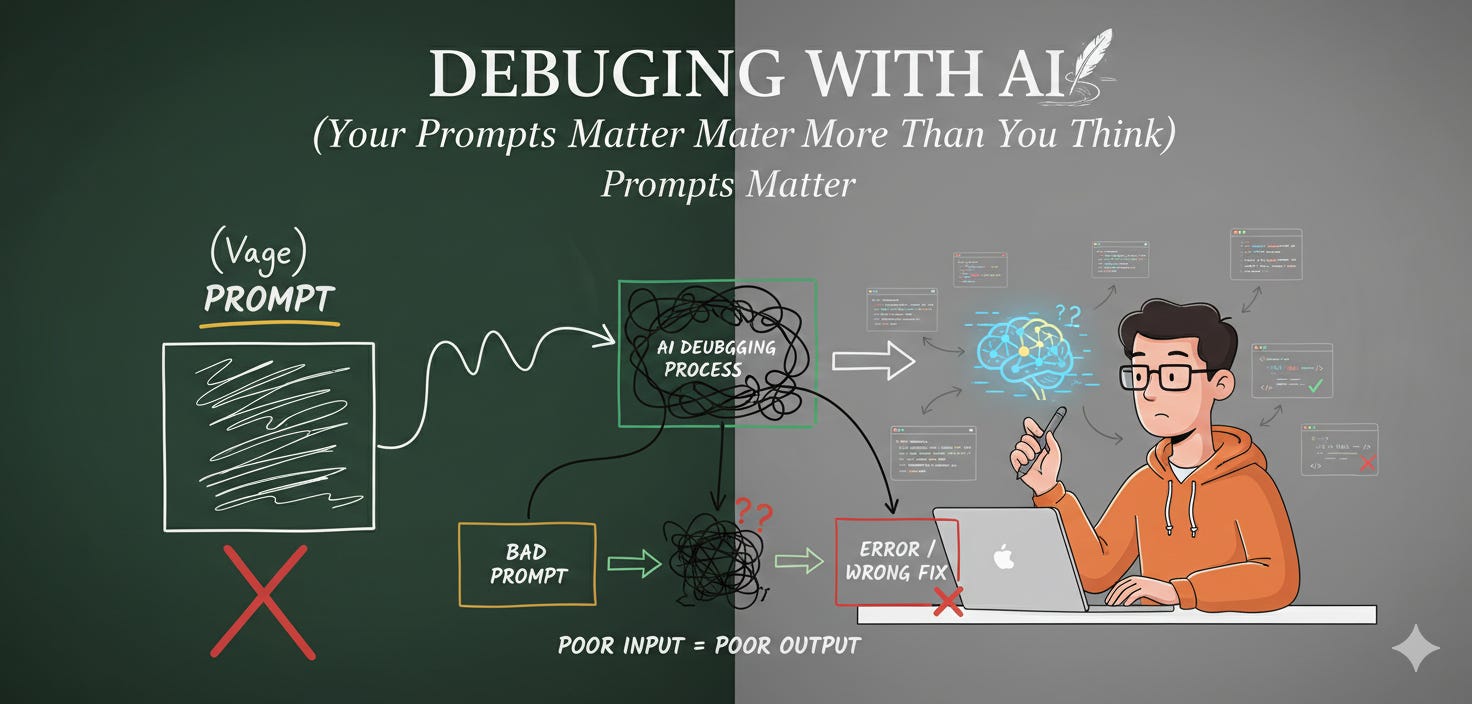
When working with AI coding assistants like Claude Code, the quality of your prompt directly determines the quality of the solution. A vague “this doesn’t work” will get you surface-level suggestions. A well-structured prompt gets you to the root cause.
The Anatomy of a Great Debugging Prompt
The best debugging prompts follow a simple structure: symptoms, context, and direction.
I'm experiencing [specific error/behavior]. Here's what I know:

SYMPTOMS:
- [Exact error message or unexpected behavior]
- [When it occurs - specific conditions/steps]
- [What I expected vs what actually happens]

CONTEXT:
- [Relevant files/modules involved]
- [Recent changes that might be related]
- [Environment details if relevant - OS, versions, etc.]

Please investigate this systematically by:
1. Analyzing the error and identifying likely root causes
2. Examining relevant code paths and dependencies
3. Checking for common pitfalls in this type of issue
4. Proposing specific fixes with explanations
This structure does three things: it gives the AI concrete symptoms to analyze, provides the surrounding context needed to understand the system, and sets clear expectations for the depth of investigation you need.
When the First Attempt Doesn’t Work
Here’s where most developers give up on AI assistance and go back to manual debugging. Don’t. The real power of AI debugging comes from iterative refinement.
For complex, multi-layered issues:
The previous fix didn't resolve it. Let's go deeper:
- Trace the complete execution path from [entry point] to where the error occurs
- Check all intermediate function calls and state changes
- Look for edge cases, race conditions, or timing issues
- Examine how [specific component] interacts with [other component]
For those head-scratching bugs that make no sense:
This is a tricky one. Please think step-by-step:
- What assumptions might be wrong about how this code works?
- Are there any hidden dependencies or side effects?
- Could this be related to [similar system component]?
- What would you add for debugging/logging to narrow this down?
For intermittent or performance-related nightmares:
This issue is [intermittent/performance-related]. Investigate:
- Memory leaks or resource management issues
- Concurrency problems or race conditions
- Caching or state management bugs
- Load-dependent behavior
The Mindset Shift
The key insight: treat AI debugging like pair programming with a senior developer, not like searching Stack Overflow.
You wouldn’t just tell a colleague “the login is broken” and expect them to fix it. You’d walk them through what you’ve tried, what you’ve observed, and what you’re thinking. Do the same with AI.
Be specific about constraints (”we can’t modify the authentication library”), request explanations (”explain WHY this is happening”), and ask for verification steps (”what tests should prevent this in the future?”).
The Bottom Line
AI won’t magically solve your bugs. But with the right prompts, it becomes an invaluable debugging partner, one that can trace through complex codebases, spot patterns you’ve missed, and suggest solutions you hadn’t considered.
The difference between frustration and breakthrough often isn’t the AI itself. It’s how you talk to it.